

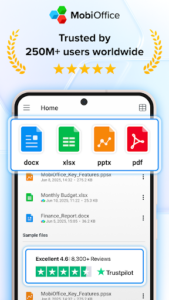
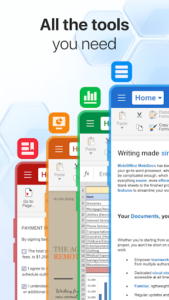
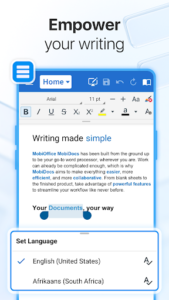
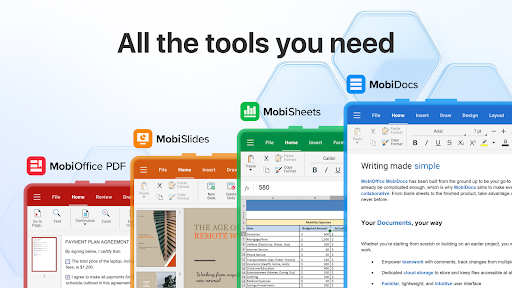
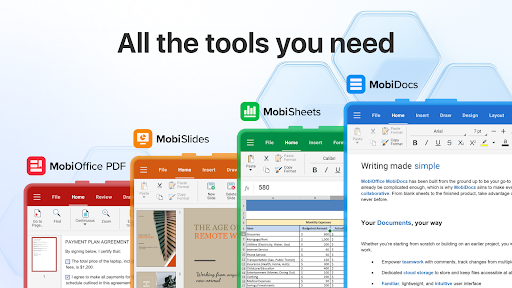
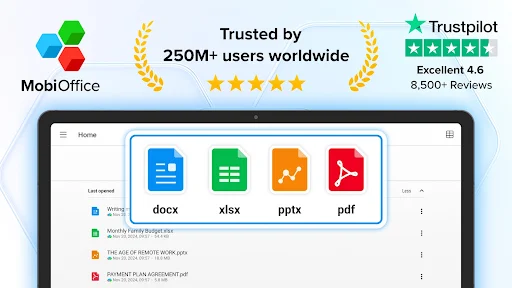
MobiOffice is an all-in-one mobile office suite designed to help users create, edit, comment on, format, and protect various types of documents, spreadsheets, and presentations directly from their device. It also provides comprehensive tools for viewing, editing, filling, and digitally signing PDF files. The app stands out for its extensive compatibility, supporting formats from Microsoft Office (Word, Excel, PowerPoint), Google Docs, OpenOffice, LibreOffice, and Apple’s iWork, alongside seamless integration with popular cloud storage services like Google Drive, OneDrive for Business, Box, and Dropbox.
Comprehensive Document Creation and Editing
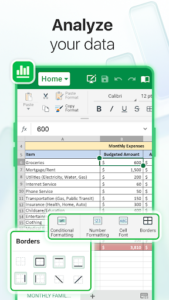
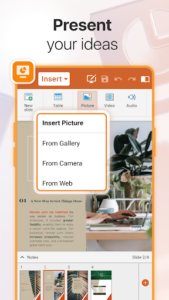
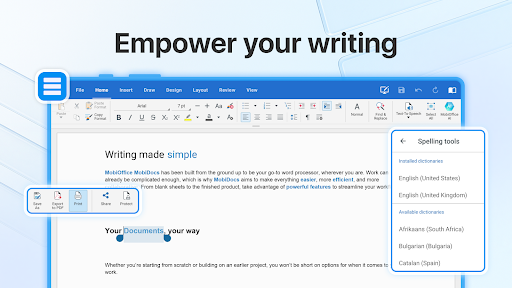
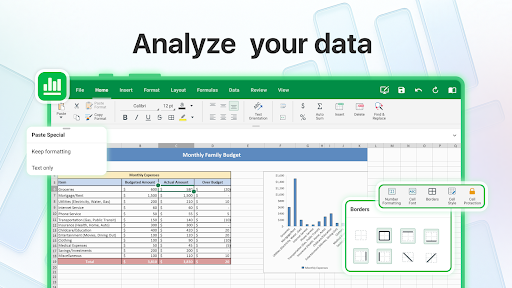
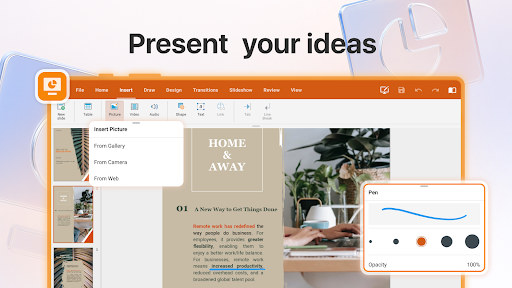
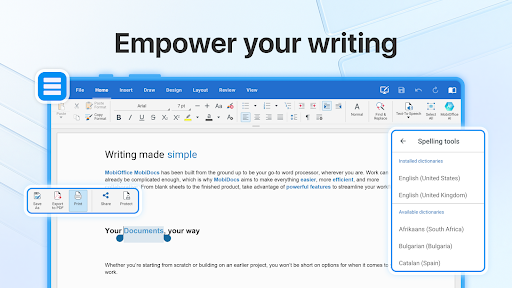
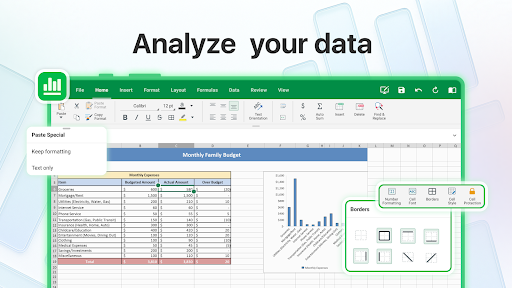
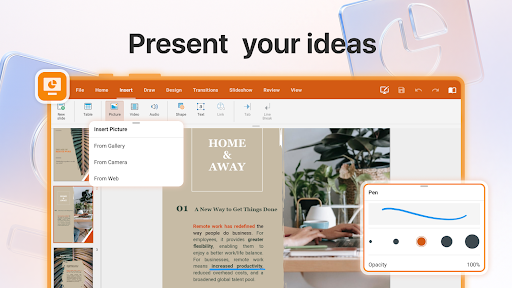
This app provides a full suite of tools for managing office documents, enabling users to create new files or modify existing ones across word processing documents, spreadsheets, and presentations. It includes advanced features such as a format painter for consistent styling, track changes for collaborative reviews, conditional formatting for data analysis in spreadsheets, and formulas for complex calculations. Users can also utilize a dedicated presentation mode when showcasing slides.
Advanced PDF Management
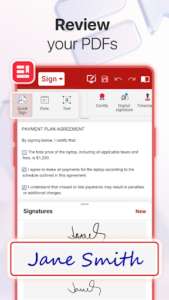
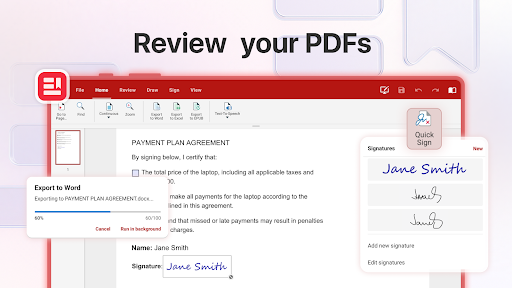
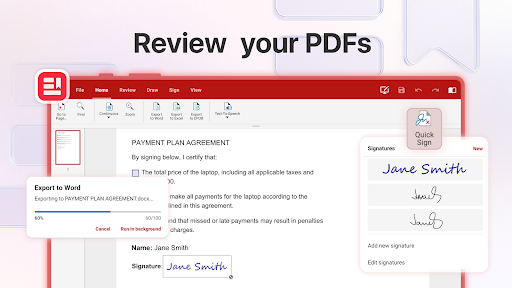
Beyond standard office files, MobiOffice offers robust PDF management features. Users can view PDF documents, edit their content, and fill out interactive forms. The app also supports digitally signing PDF documents and includes enhanced security and permissions management options. Furthermore, it functions as a PDF converter, allowing users to export documents, sheets, and presentations to PDF, or convert PDF files into Word, Excel, or ePub formats.
Broad Compatibility and Cloud Connectivity
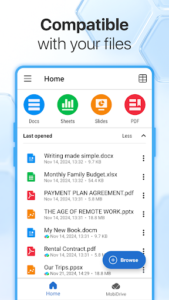
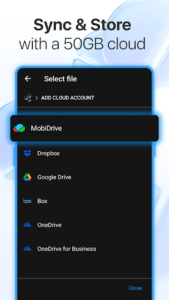
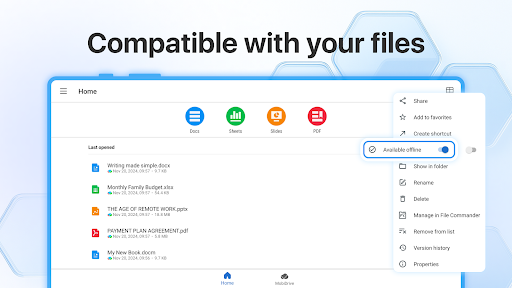
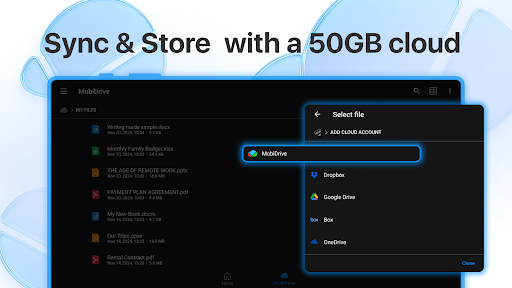
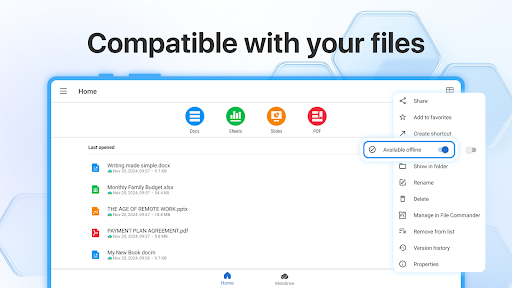
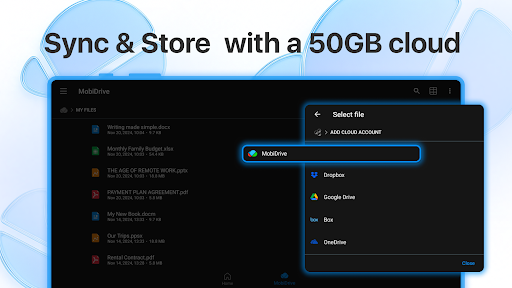
The app ensures wide-ranging compatibility with numerous file formats, including those from Microsoft Office365, Google Docs, OpenOffice, LibreOffice, Apple’s iWork, and many others. This allows users to work with diverse document types without conversion issues. For storage and accessibility, the app integrates with popular cloud services such as Google Drive, OneDrive for Business, Box, and Dropbox, enabling users to access their projects from any linked device. It also provides 5GB of free storage on MobiDrive cloud for additional convenience.
Seamless Cross-Platform Workflow
MobiOffice supports a cross-platform workflow, allowing users to link their Windows PC with their Android and iOS mobile devices. This capability ensures that work can transition smoothly between different devices, facilitating productivity whether at a desk or on the move.












Write a review